3 Best Email Signature Management Tools for Businesses 2026

Quick Answer
Email signature management tools help businesses create, deploy, and update professional email signatures across teams. In 2026, BulkSignature, WiseStamp, and MySignature offer solutions for maintaining brand consistency and simplifying signature management.

Email communication in 2026 has evolved far beyond simple messaging. Today, every email a business sends is also a branding opportunity, and its email signature plays an important role in how professionally the organization is perceived. A well-designed signature can reinforce brand identity, build trust, share contact information, and promote products or services through clickable banners and calls to action.
However, maintaining consistent signatures across an entire organization can become challenging as teams grow. Manually updating employee details, managing different departments, and ensuring that everyone uses the correct branding takes time and creates unnecessary administrative work. This is where dedicated email signature management tools become valuable.
In this guide, we explore three of the best email signature tools in 2026, starting with BulkSignature, a centralized management platform designed for organizations using Google Workspace and Microsoft 365.
Why Email Signature Management Tools Matter More Than Ever in 2026
Email signatures are no longer just a name, job title, and phone number at the bottom of a message. They have become valuable business assets that support brand consistency, professional communication, and marketing activities.
For growing organizations, keeping signatures updated across dozens or hundreds of employees can be difficult without automation. New employees need correctly formatted signatures, existing team members may change roles, and marketing departments often need to update promotional banners across company-wide communications.
Email signature management tools simplify these processes by allowing administrators to create templates, synchronize employee information, deploy changes centrally, and manage branding from a single dashboard.
Alongside email signature management, businesses should prioritize email security through SPF, DKIM, and DMARC authentication to protect their domains and prevent email spoofing.
Some platforms also offer advanced capabilities such as campaign scheduling, click tracking, AI-powered signature design, and integrations with business productivity tools. Choosing the right solution can help organizations save administrative time while making everyday email communication more consistent and effective.
1. BulkSignature
Best for: Businesses managing email signatures across Google Workspace and Microsoft 365
Ideal customer: IT administrators, marketing teams, HR departments, and organizations of any size that need centralized signature management
Pricing: Volume-based Standard plans with all features included; custom Enterprise pricing for organizations with 500+ users
Standout feature: Centralized signature deployment combined with an AI-powered signature designer and scheduled marketing banner campaigns
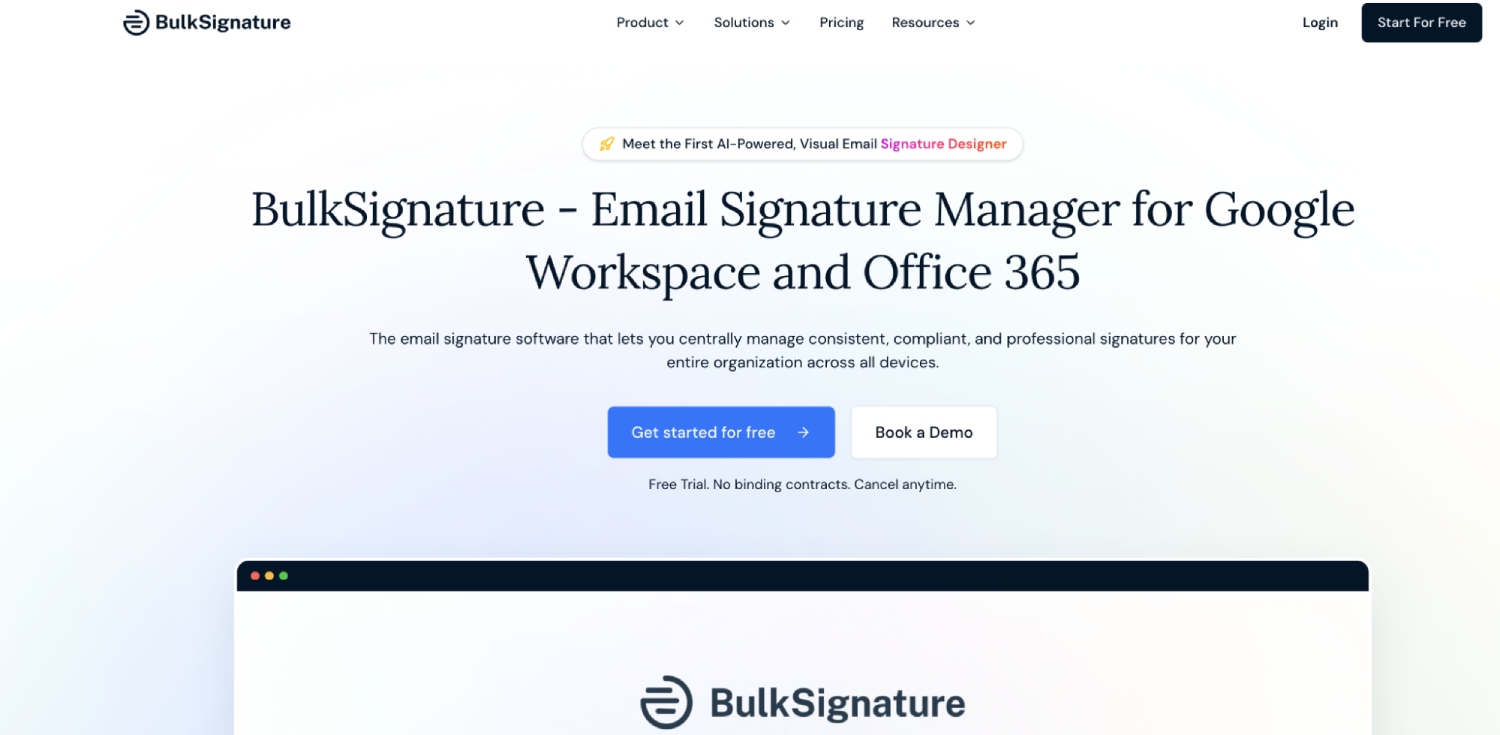
BulkSignature is an email signature management platform that helps organizations create, deploy, and update employee signatures from a single dashboard. Designed for Google Workspace and Microsoft 365, it eliminates the need for employees to manually configure their email signatures and gives administrators centralized control over company-wide branding.
The platform connects to an organization’s directory to automatically synchronize employee information, including names, job titles, and contact details. Administrators can create a master signature template and deploy it across teams, departments, or individual users, ensuring that everyone maintains consistent branding. When employee information changes or new team members join, signatures can be updated without requiring manual edits from each employee.
BulkSignature also offers several signature creation options, including an AI-powered designer that generates responsive layouts from text descriptions, a drag-and-drop editor, and a custom HTML editor for users who want greater design flexibility. Its template library and brand assets make it easier to maintain a consistent visual identity across the organization.
Beyond signature management, the platform includes a Campaign Manager that allows marketing teams to add scheduled promotional banners to employee signatures. Businesses can set campaign start and end dates, target specific groups, and track impressions, clicks, and click-through rates through a dedicated analytics dashboard. This turns everyday business emails into an additional marketing channel.
Another advantage is its straightforward pricing structure. Every feature is included in the Standard plan, with no long-term contract required. Organizations with 500 or more users can also request custom Enterprise pricing and additional support.
Key Features:
- Centralized email signature management for Google Workspace and Microsoft 365
- Automatic employee directory synchronization
- One-click signature deployment and organization-wide updates
- AI-powered signature designer, drag-and-drop editor, and custom HTML editor
- Group, department, and organizational unit-based signature targeting
- Scheduled promotional banners with campaign analytics
- Click, impression, and CTR tracking
- Support for Gmail, Outlook, Apple Mail, and Front
- Role-based administration and employee lifecycle management
- SOC 2 Type II audited security and GDPR compliance
Pros:
- Supports both Google Workspace and Microsoft 365
- All features are included in every Standard plan
- No annual contract or long-term commitment required
- Combines signature management with built-in marketing campaign tools
- Automatically synchronizes employee information
- Offers flexible signature customization through AI, visual, and HTML editors
- 14-day free trial with no credit card required
Cons:
- Requires a Google Workspace super admin or Microsoft 365 Global Administrator for installation
- Has a 10-mailbox minimum
- Microsoft 365 deployment may take 24 to 72 hours to reach all users
- Customer support is available 24/5 rather than 24/7
2. WiseStamp
Best for: Professionals and businesses looking for customizable email signatures with marketing features
Ideal customer: Freelancers, entrepreneurs, small businesses, and marketing teams
Pricing: Free and paid options; pricing depends on the selected plan
Standout feature: Customizable signatures with promotional banners, social media links, and interactive calls to action
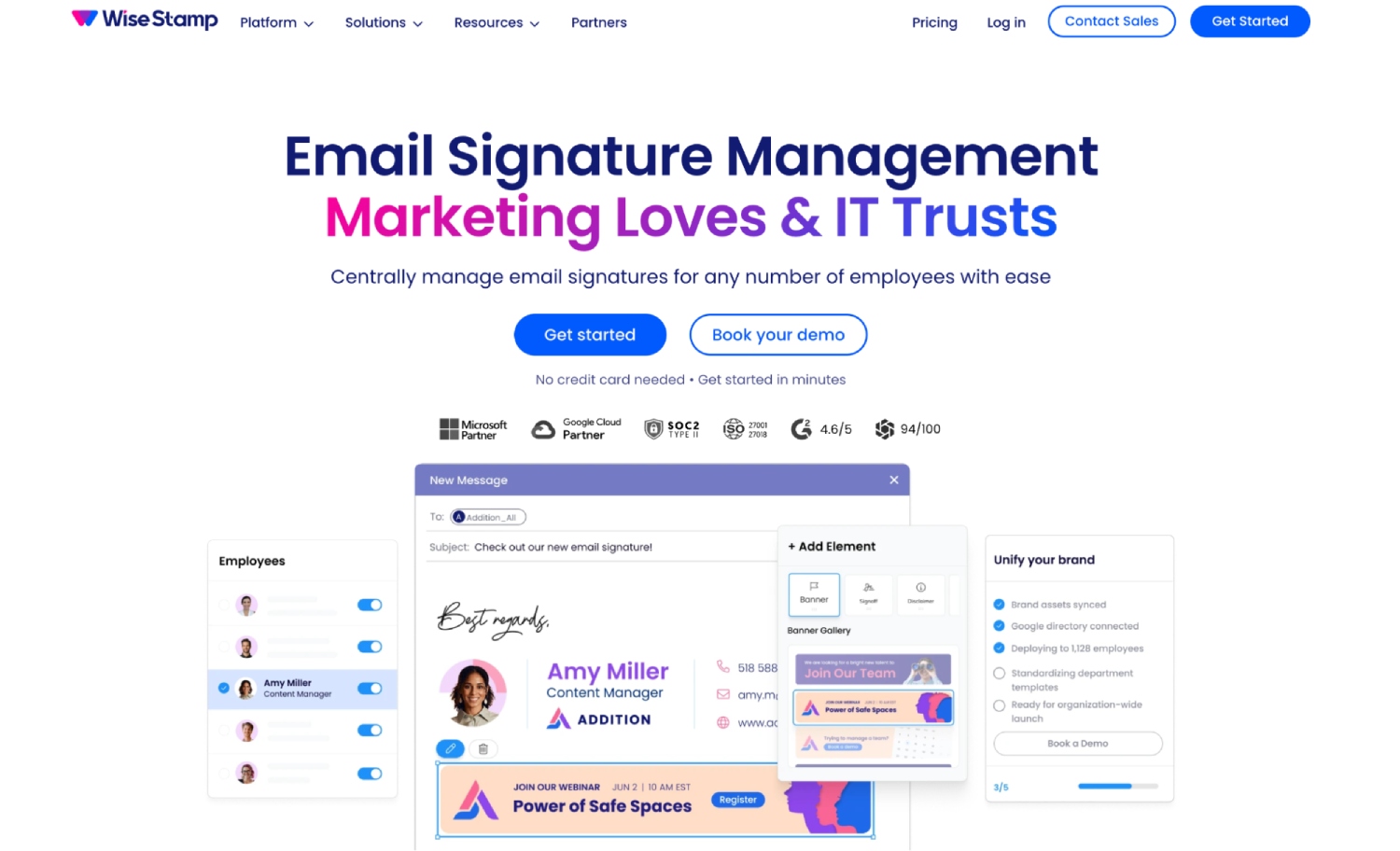
WiseStamp is a popular email signature creation and management platform that helps individuals and businesses create professional-looking email signatures without requiring design or coding experience. It offers a range of templates and customization options, allowing users to incorporate company logos, profile photos, social media links, and promotional elements.
One of its main strengths is its visual signature editor. Users can customize layouts, adjust branding elements, and add clickable banners or calls to action that direct recipients to websites, promotions, or social media profiles.
For businesses, WiseStamp also offers team-oriented signature management capabilities, helping organizations maintain a more consistent appearance across employee communications. Its marketing features make it particularly useful for companies that want to use email signatures to promote campaigns and share important announcements.
Key Features:
- Customizable email signature templates
- Visual signature editor
- Company logos, profile photos, and social media links
- Promotional banners and clickable calls to action
- Support for popular email platforms
- Team signature management options
Pros:
- User-friendly signature creation process
- Wide range of customization options
- Useful marketing and promotional elements
- Suitable for individuals and small businesses
- No advanced design skills required
Cons:
- Some advanced features require paid subscriptions
- Team management capabilities may be less suitable for complex enterprise requirements
- Pricing and available features vary by subscription
3. MySignature
Best for: Individuals and small businesses that need simple, professional email signatures
Ideal customer: Freelancers, consultants, entrepreneurs, and small teams
Pricing: Free and paid plans available
Standout feature: Easy-to-use signature builder with ready-made templates and branding options
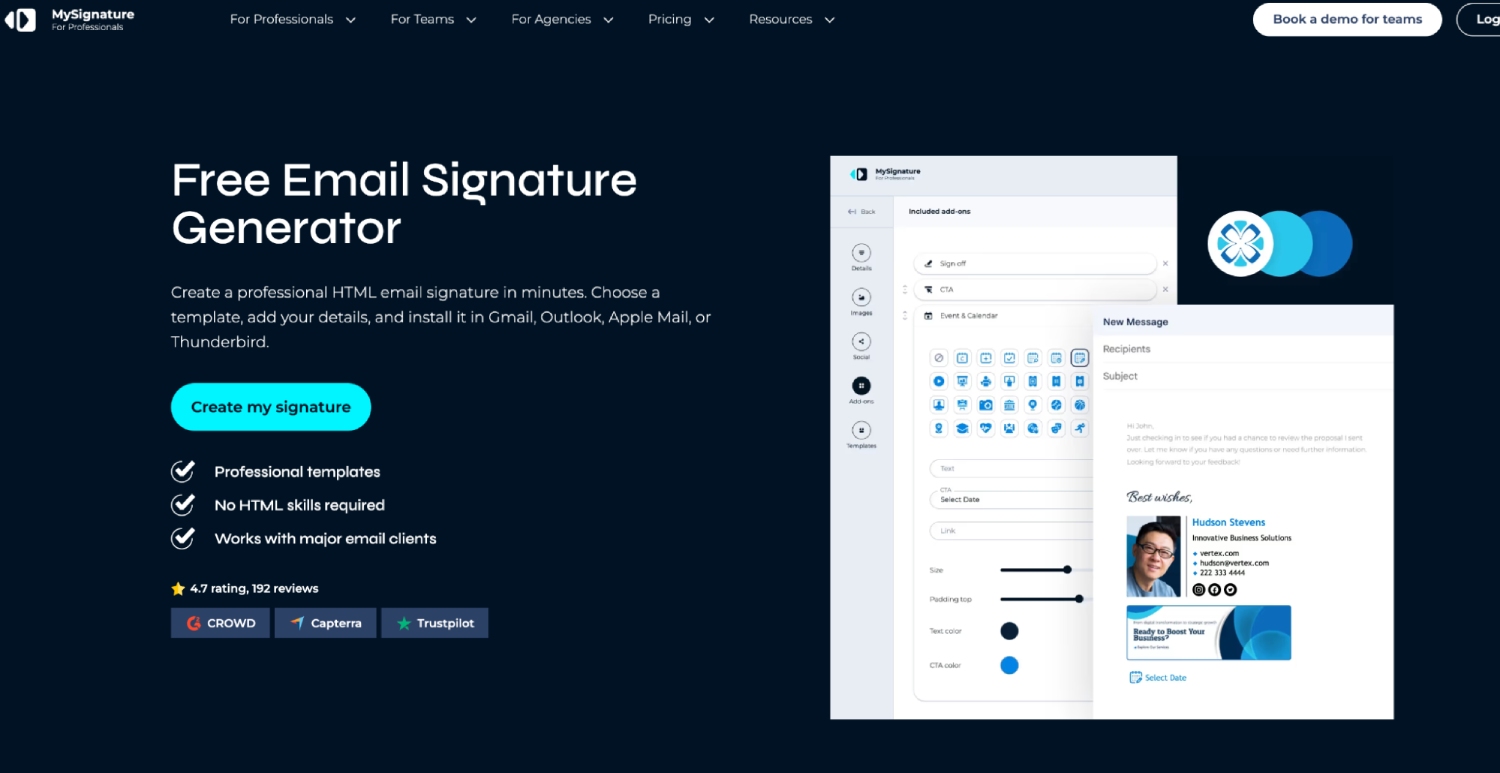
MySignature is an email signature generator designed to make professional signature creation accessible to users without technical or design experience. Its straightforward editor allows individuals and small businesses to create signatures using pre-designed templates and customize them with personal or company information.
Users can add names, job titles, contact details, company logos, profile pictures, and social media links to create signatures that reflect their professional identity. The platform supports several popular email clients, making it convenient for people who use different email services.
MySignature also provides features for businesses that want to maintain a consistent appearance across their teams. Its templates and customization options make it possible to create professional signatures without having to build layouts manually or work with HTML code.
Although it does not focus as heavily on advanced centralized administration as some dedicated enterprise platforms, MySignature is a practical option for individuals and smaller organizations that prioritize simplicity and ease of use.
Key Features:
- Ready-made professional email signature templates
- Easy-to-use signature editor
- Company logos and profile picture integration
- Social media icons and clickable links
- Customizable contact information and branding
- Compatibility with popular email clients
- Team-oriented signature management options
Pros:
- Simple and beginner-friendly interface
- Quick signature creation process
- Professional templates and customization options
- Suitable for freelancers and small businesses
- Requires no coding or design experience
Cons:
- Limited advanced automation compared with dedicated management platforms
- May not be ideal for organizations with complex deployment requirements
- Some features are available only through paid plans
How to Choose the Right Email Signature Tool
Choosing the right email signature tool depends on your organization’s size, email infrastructure, and branding requirements.
Businesses using Google Workspace or Microsoft 365 with multiple employees should prioritize centralized administration, automatic directory synchronization, and bulk deployment. These features reduce manual work and make it easier to maintain consistent signatures across departments.
Marketing teams may also benefit from platforms that support promotional banners, scheduled campaigns, and click tracking. These capabilities allow organizations to use email signatures as an additional channel for sharing promotions, announcements, and important business updates.
For freelancers and smaller businesses, a straightforward signature generator with professional templates and basic customization options may be sufficient.
Before selecting a platform, consider its supported email clients, available integrations, pricing structure, administrative controls, and scalability. A free trial can also help you evaluate whether the platform fits your existing workflow.
Final Thoughts on the Best Email Signature Tools in 2026
Email signatures have become an important part of professional communication and brand management. The right platform can help businesses maintain consistent branding, simplify employee onboarding, and turn everyday emails into additional marketing opportunities.
BulkSignature stands out as a strong choice for organizations that need centralized management across Google Workspace and Microsoft 365, particularly those looking for automated employee synchronization, flexible signature design, and built-in marketing campaign analytics. WiseStamp is a suitable option for professionals and businesses that prioritize visual customization and promotional features, while MySignature works well for individuals and smaller teams looking for a simple way to create professional email signatures.
Ultimately, the best solution depends on how much control and automation your organization needs. Whether you are managing signatures for a growing team or creating a professional personal signature, choosing the right tool can make email communication more consistent, efficient, and valuable for your business.
General Manager
General Manager at DuoCircle. Product strategy and commercial lead across the email security portfolio.
Secure your email infrastructure
Protect, authenticate, and deliver. Contact our team to find the right solution.