How to Audit Your Email Deliverability Before Launching a Campaign

Quick Answer
Before launching an email campaign, audit your deliverability by checking SPF, DKIM, and DMARC records, verifying sender reputation, cleaning your email list, testing spam scores, and reviewing inbox placement. This helps maximize delivery, opens, and engagement while reducing bounce rates.
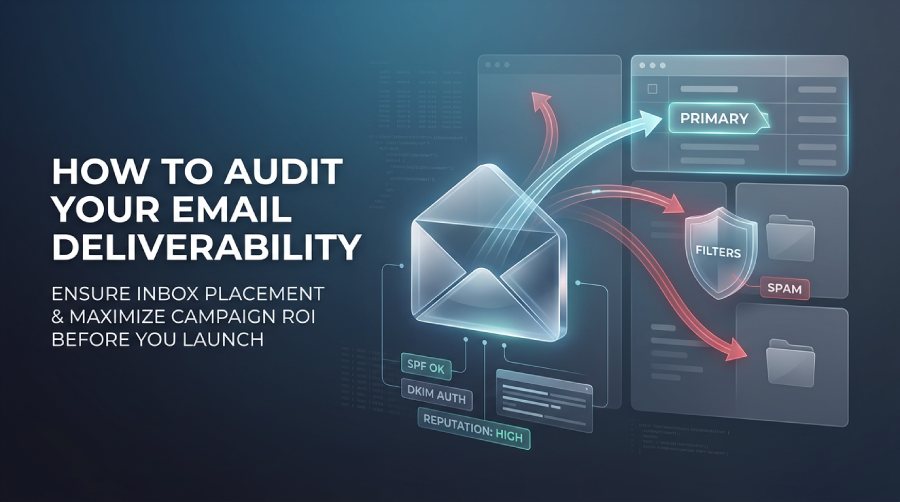
You spent three weeks polishing that copy. The design is crisp, the offer is awesome, and leadership expects a flood of conversions, yet the moment you hit “deploy”, silence.
This happens because mailbox providers dump nearly half your broadcast!
Marketers love a hero image, A/B testing subject lines, and optimizing CTA buttons, while neglecting the invisible forces that direct emails to primary inboxes. It’s a critical mistake.
A rigorous pre-launch deliverability audit isn’t an extra task on your to-do list; it’s the structural backbone that protects your domain health, strengthens email security, keeps your open rates from plummeting, and shields your campaign ROI from total ruin.
Pre-Launch Deliverability Checklist
1. Verify Your Email Authentication Settings
Mailbox gatekeepers like Gmail and Yahoo don’t care about your clever copy if they can’t verify who actually sent it. Missing authentication signals immediate spoofing risk.
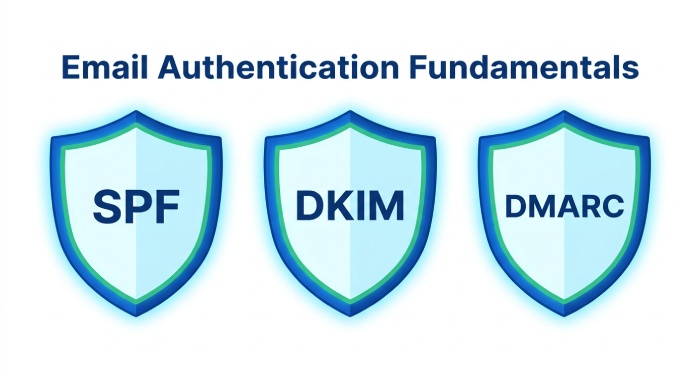
SPF (Sender Policy Framework):
Ensures that your IP addresses and servers are authorized.
DKIM (DomainKeys Identified Mail):
This ensures that your mail message was not altered in transit.
DMARC (Domain-based Message Authentication, Reporting, and Conformance):
It tells receiving servers how to handle emails that failed the SPF or DKIM checks.
Domain Alignment:
It checks if the “Header From” address matches your domain that was discovered by the SPF and DKIM records.
Misconfigured DNS records or mismatched alignment ruin inbox placement faster than bad content ever could. Verify these protocols continuously.
2. Review Your Sender Reputation
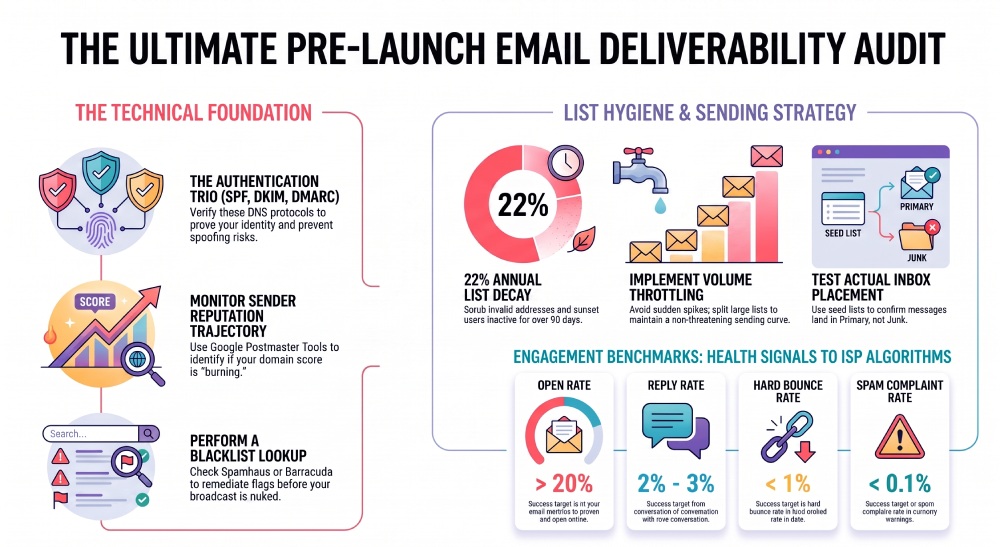
Algorithms at Google, Microsoft, and Yahoo track every single action recipients take. High complaint rates, rapid spikes in hard bounces, or dismal open metrics degrade this trust score fast.
Always inspect your reputation trajectory using Google Postmaster Tools or dedicated domain monitoring utilities. If your score is burning, pumping more volume will only fast-track your domain toward receiving-side throttling.
3. Check Whether Your Domain Appears on Blacklists
Blacklisting happens when you hit spam traps due to high volumes of complaints and send emails from unscrubbed lists.
Always run an email blacklist lookup before launching important campaigns. Catching a flag on Spamhaus or Barracuda before deployment lets you remediate before your broadcast gets nuked.
4. Evaluate Your Email List Quality
Sending emails to dead, mistyped, or abandoned addresses is deliverability suicide. List decay happens naturally at around 22% per year—meaning old lists are ticking time bombs.
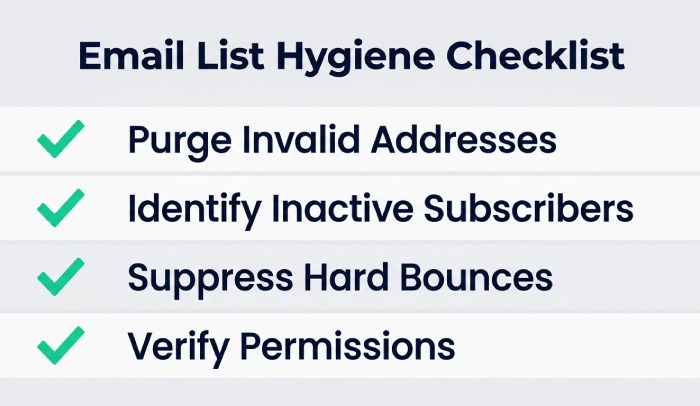
Purge Invalid Addresses:
Run your list through a verification service to strip out bounces and syntax errors.
Identify Inactive Subscribers:
Sunset users who haven’t opened or clicked in 90+ days.
Suppress Hard Bounces:
Don’t attempt to re-engage addresses that permanently failed previously.
Verify Permission:
Ensure every contact opted in through double opt-in protocols where possible.
Clean lists yield high engagement signals, which signal to ISPs that your messages belong in the primary tab.
5. Test Your Email Content Before Sending
Spam filters typically analyze text-to-image ratios, link destinations, HTML coding errors, and trigger phrases. Subject lines filled with caps, exclamation points, or desperate promotional language trip heuristic alarms.
Before launching a campaign, test your content with dedicated email deliverability tools to help identify formatting issues, spam triggers, and other factors that may affect inbox placement.
6. Confirm Your Sending Volume Strategy
If you typically send 5,000 emails a week and suddenly blast 250,000 in twenty minutes, automated threat systems assume your account was hijacked by a spambot.
Review your recent volume cadence. If you must send a massive batch, split the list and throttle the dispatch over several hours or days to maintain a smooth, non-threatening sending curve.
7. Warm Up New Domains Before Major Campaigns
Going straight into high-volume campaigns from a fresh domain almost guarantees immediate bulk-folder routing or outright blocking.
If you’re launching campaigns from a new domain or significantly increasing sending volume, build trust by using email warmup software to help establish positive sender signals before large-scale outreach.
8. Monitor Key Engagement Metrics
Algorithms judge your future emails based entirely on how users reacted to your past ones. Aim to keep open rates comfortably above 20%, but pay close attention to reply rates targeting 2 to 3%. Direct replies act as a green flag for ISP algorithms.
Keep hard bounces under 1% to show recipient servers your list is clean, and keep spam complaints strictly under 0.1%. If your recent metrics are trending downward, stop and fix the engagement problem before queuing up another broadcast.
9. Test Inbox Placement
A “Delivered” metric in your ESP interface only means the receiving server accepted the payload, but you don’t know where it landed.
Send seed list test campaigns to controlled mailboxes across major mailbox providers (Gmail, Outlook, Yahoo, and iCloud) and check placement manually or via seed-testing tools to ensure your campaigns aren’t landing in spam/junk folders.
10. Perform a Final Campaign Review
Technical checks complete? Time for the final sanity audit.
Segmentation:
Verify that you’re hitting the correct dynamic segment.
Personalization Fallbacks:
Ensure dynamic merge tags don’t output “Hello {FIRST_NAME|Valued Customer}.”
Link Validation:
Click links and check tracking parameter formatting.
Time Zone Scheduling:
Align your sends with your recipient’s local time.
Legal Compliance:
Ensure physical address footers and functional, one-click unsubscribe links are intact.
Common Deliverability Mistakes to Avoid
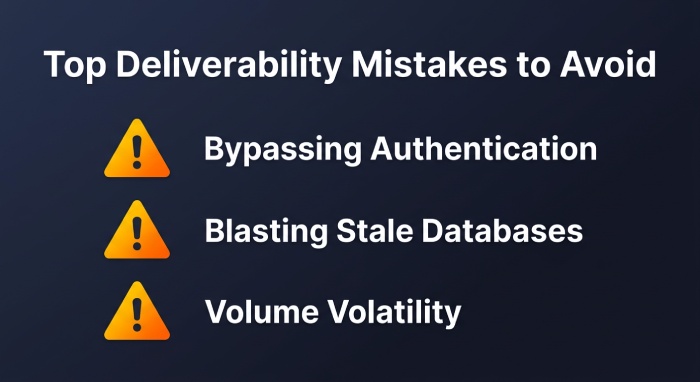
Bypassing Authentication:
Sending without DMARC and DKIM properly aligned.
Blasting Stale Databases:
Attempting to re-engage multi-year dormant contacts all at once.
Reputation Blindness:
Launching without knowing your current Google Postmaster score.
Volume Volatility:
Ramping up sends volume exponentially overnight without warming.
Skipping Pre-Flight Seed Tests:
Assuming an active ESP account guarantees primary inbox delivery.
Quick Pre-Send Audit Checklist
Review this final checklist before hitting send:
- SPF, DKIM, and DMARC verified & aligned
- Sender domain/IP reputation checked via Postmaster tools
- Blacklist status verified as clear
- Email list scrubbed for invalid and inactive contacts
- Copy and HTML scanned for spam triggers and link errors
- Send schedule and volume throttling confirmed
- Warm-up routine executed (for new domains or scaled sends)
- Historical engagement metrics evaluated
- Seed test executed across Gmail, Outlook, and Yahoo
- Unsubscribe links, dynamic tags, and legal footers validated
Conclusion
Email deliverability is an essential pre-flight discipline. Don’t ignore any checks; it might be fatal.
By verifying authentication processes, protecting your sender reputation, reviewing databases, and seed-testing all of your broadcasts, you’ll secure your maximum inbox delivery.
Make deliverability checks a part of your regular maintenance schedule, and see increases in inbox placement, opens, and ROIs.
General Manager
General Manager at DuoCircle. Product strategy and commercial lead across the email security portfolio.
Secure your email infrastructure
Protect, authenticate, and deliver. Contact our team to find the right solution.