How to Secure Business Communications on Public Wi-Fi

Quick Answer
To secure business communications on public Wi-Fi, use a trusted VPN, enable MFA, avoid sensitive transactions, verify network names, keep devices updated, and use encrypted apps. These steps help protect business data from hackers and unauthorized access.
Introduction
Working from a café, airport lounge, hotel or coworking space has become normal for many businesses. Employees can answer emails, join meetings, send documents and stay in touch with colleagues without being tied to an office.
The convenience is obvious, but public Wi-Fi also creates additional security concerns. A network that is open to dozens of unknown users is very different from a company’s protected office connection. If an employee handles sensitive business information over an unsecured connection, passwords, messages or files could potentially be exposed.
For businesses with remote or traveling employees, knowing how to use public Wi-Fi safely is therefore an important part of everyday cybersecurity.
Why Public Wi-Fi Can Be Risky
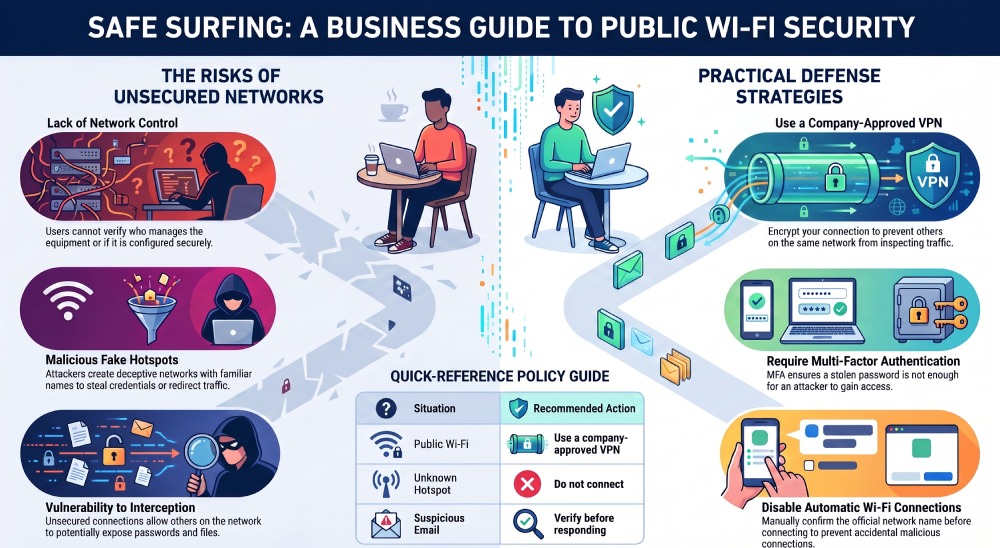
The biggest problem with public Wi-Fi is that users usually have little control over how the network is configured. They may know the network name and password, but they don’t necessarily know who manages the equipment or whether it has been properly secured.
There is also a risk of connecting to a fake hotspot. An attacker can create a network with a name that looks similar to the legitimate one. Once a device connects, the attacker may attempt to redirect users to fraudulent websites or collect information about their activity.
Security researchers have repeatedly warned that public networks can create opportunities for phishing, credential theft and other attacks.
Businesses should therefore treat public Wi-Fi as an untrusted environment rather than assuming that a familiar location automatically means a safe connection.
Use a VPN for Sensitive Business Traffic
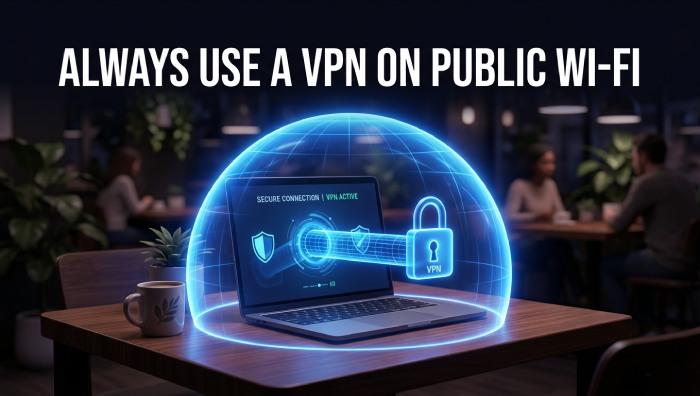
One of the most practical ways to add protection is to use a VPN. A VPN creates an encrypted connection between the device and a VPN server, making it harder for other people on the same network to inspect the traffic.
Businesses should choose carefully rather than installing the first free service they find. Employees looking for trusted VPN providers can compare different options through Cybernews, including their features, security practices and supported platforms.
A VPN isn’t a replacement for other security measures, but it can provide an important additional layer when employees have to work from unfamiliar networks. A VPN protects traffic once you’re connected, but the safest option is often avoiding public Wi-Fi altogether. Employees who rely on their own mobile data — rather than wondering why is my data not working on an unfamiliar hotel or airport network — remove the guesswork of whether a hotspot is trustworthy in the first place.
Protect Business Accounts
A VPN can protect network traffic, but account security still matters. If an employee’s password is stolen through phishing or another method, an encrypted connection alone will not prevent an attacker from logging in.
Companies should require strong, unique passwords for business accounts. Password managers can help employees avoid reusing credentials across different services.
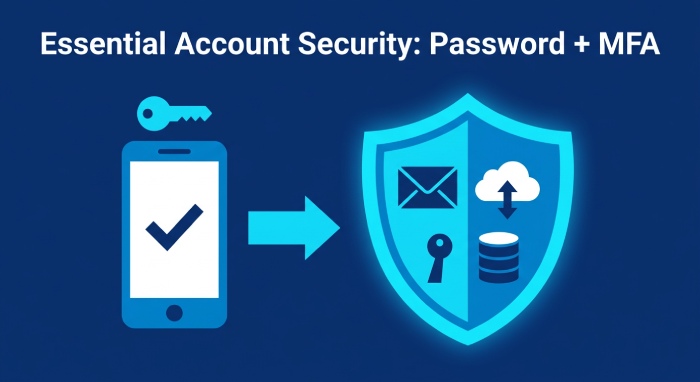
Multi-factor authentication should also be enabled wherever possible. With MFA, a stolen password is less likely to be enough for an attacker to gain access.
Important accounts should include:
- Business email
- Cloud storage
- Project management tools
- Customer databases
- Financial services
- Internal communication platforms
These accounts can contain information that is far more valuable than an individual device.
Be Careful With Email and Messaging
Public Wi-Fi security is only one part of the problem. Employees should also remain cautious about messages received while working remotely.
A convincing phishing email may appear to come from a manager, customer or business partner. It could ask the employee to open an attachment, confirm a password or make an urgent payment.
Before clicking a link, check the sender and destination carefully. If a request seems unusually urgent or unusual, verify it through another communication channel.
This is especially important when dealing with financial transfers or confidential company information.
Keep Devices Updated
Laptops and smartphones used for business should receive security updates as soon as practical. Updates often address vulnerabilities that attackers already know how to exploit.
Companies should also consider using centrally managed devices where possible. Security policies can then be applied consistently across the workforce instead of relying entirely on individual employees.
Useful protections include:
- Automatic operating system updates
- Updated browsers
- Endpoint security software
- Device encryption
- Screen-lock policies
- Remote-wipe capabilities
A lost laptop is inconvenient. A lost laptop containing accessible company data can be much more serious.
Avoid Automatic Wi-Fi Connections
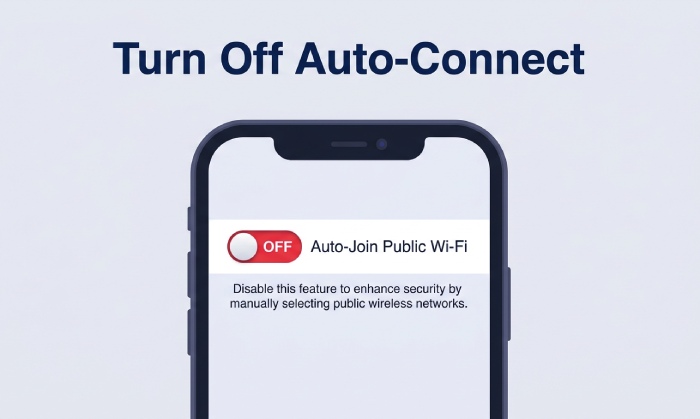
Many phones and computers remember previously used networks and may reconnect automatically. While convenient, this behavior can create unnecessary risks.
Employees should disable automatic connections to unknown networks and confirm the official network name before connecting.
When a hotel, airport or café provides Wi-Fi, asking staff for the exact network name is a simple step that can prevent accidental connections to a malicious hotspot.
What About File Sharing?
File-sharing features can create another problem on shared networks. Employees should make sure that unnecessary network discovery and file sharing are disabled when using public connections.
A business laptop should not advertise shared folders to every device connected to the same network.
If employees need to exchange company documents, a secure cloud platform or approved business collaboration system is generally a better option.
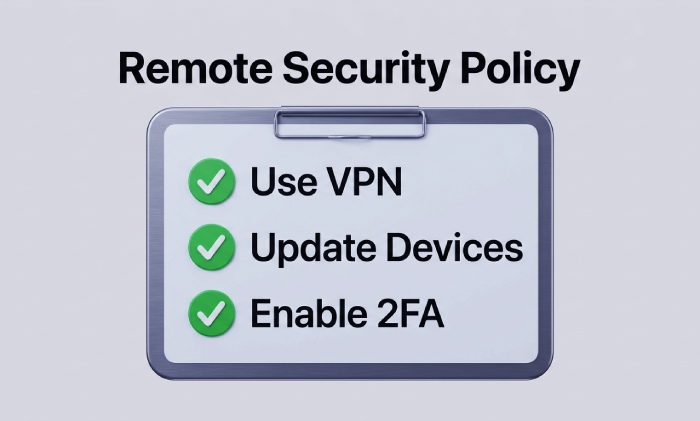
Create a Simple Remote-Work Policy
Businesses don’t need a complicated rulebook to improve employee security. A short policy can explain what workers should and shouldn’t do when connecting from public locations.
For example:
| Situation | Recommended action |
|---|---|
| Public Wi-Fi | Use a company-approved VPN |
| Sensitive financial work | Prefer a trusted private connection |
| Unknown hotspot | Do not connect |
| Lost device | Report it immediately |
| Suspicious email | Verify before responding |
| Shared computer | Never access sensitive business accounts |
A clear policy gives employees something practical to follow instead of expecting them to understand every technical aspect of cybersecurity.
Think Beyond the Network
Public Wi-Fi is only one part of modern business security. Employees also need to consider phishing, stolen devices, weak passwords and accidental data sharing.
A report discussing practical approaches to protecting business information from online threats can provide additional context on why employee awareness remains an important part of cybersecurity.
The strongest approach combines technology with sensible habits. Even the best security software cannot completely protect a company if employees regularly ignore suspicious warnings.
Conclusion
Public Wi-Fi makes modern work more flexible, but businesses should not treat it like a private office network. Employees working from cafés, airports, hotels and other shared spaces need to assume that the connection may not be trustworthy.
Using a VPN, enabling multi-factor authentication, keeping devices updated and avoiding suspicious networks can significantly reduce unnecessary exposure. Just as importantly, businesses should give employees clear guidance about handling sensitive information outside the office.
With a few consistent habits, remote teams can enjoy the convenience of working from almost anywhere without treating cybersecurity as an afterthought.
General Manager
General Manager at DuoCircle. Product strategy and commercial lead across the email security portfolio.
Secure your email infrastructure
Protect, authenticate, and deliver. Contact our team to find the right solution.